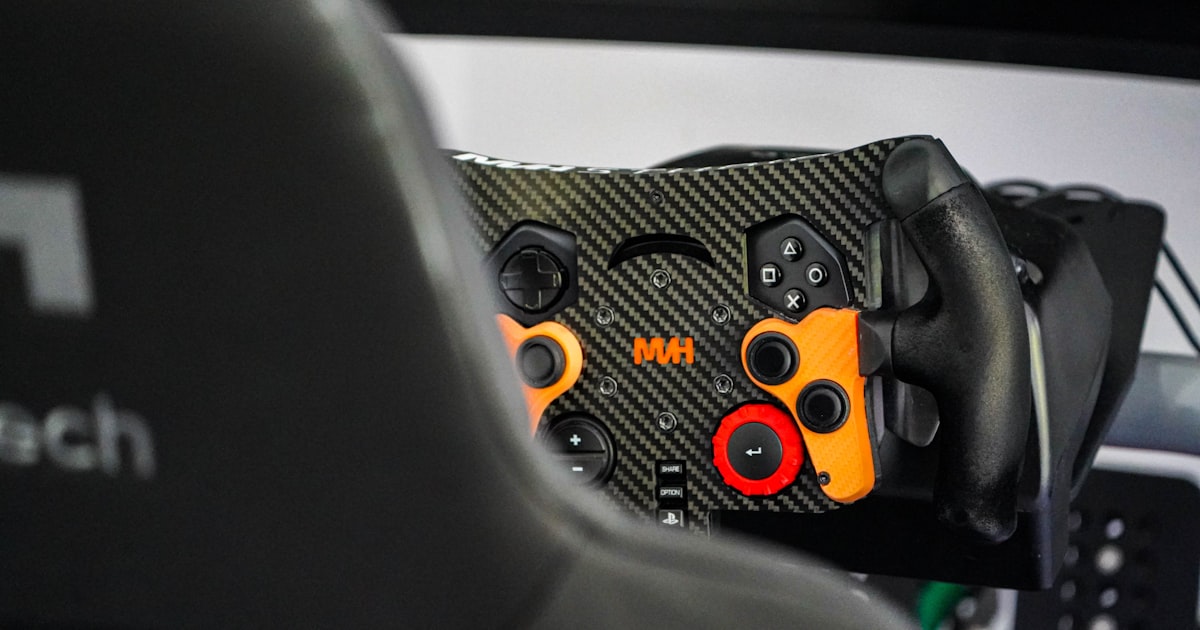
USB Steering Wheel Lag in Modern Games: DirectInput Compatibility Issues

I’ve got this Boxker Wheel (some obscure Chinese brand) and it’s causing major lag in newer games. It works fine with older titles like Need for Speed: Porsche Unleashed and Grand Prix 4, but when I play NFS: Underground 1 & 2 or Mafia, the game runs smoothly until I touch the wheel. As soon as I steer, the framerate drops to a crawl. Pedals and gear shifting work fine—it’s only the wheel input that kills performance.

The wheel connects via USB. I’ve already ruled out graphics issues (my PC handles these games easily), and I’m running DirectX 9.0c with all settings optimized. The problem disappears when I physically unplug the wheel. My motherboard has USB 2.0 ports, but the wheel is likely USB 1.1 (no markings, manual is useless).

Possible Cause: DirectInput Version Mismatch

I suspect the issue is related to DirectInput, the part of DirectX that handles input devices like joysticks and wheels. Older games use DirectInput 7 or 8, while newer titles (early 2000s onward) rely on DirectInput 8 with extended features. This cheap wheel might only support basic DirectInput 7 commands, causing the game to stutter when processing force feedback or advanced axis data.

Troubleshooting Steps Taken

  • Updated DirectX to 9.0c
  • Checked USB power management (no power saving enabled)
  • Tested on different USB ports
  • Disabled all other input devices

What I Need Help With

  1. Is there a way to force DirectInput 7 compatibility in newer games?
  2. Could a USB 1.1 device bottleneck the data stream even on USB 2.0?
  3. Any registry tweaks or third-party tools to emulate older DirectInput?

I’m not a noob—I’ve built my own PCs and tweaked settings for years. This is a genuine compatibility issue. Any insights from game devs or hardware experts would be appreciated.

Modern 2026 Trends & Best Practices

In 2026, USB steering wheels are mostly USB 2.0/3.0 with full DirectInput and XInput support. Modern racing sims like iRacing, Assetto Corsa Competizione, and Forza Motorsport use XInput for Xbox controllers or DirectInput for wheels, with standardized force feedback APIs. The Boxker Wheel is a relic from the early 2000s, and its DirectInput 7 implementation is likely the culprit.

Solutions for legacy wheels:

  • Use JoyToKey or vJoy to map wheel axes to keyboard/mouse inputs, bypassing DirectInput entirely.
  • Try DirectInput Wrapper tools like DInput8Wrapper or XInput Plus to translate old DirectInput calls.
  • For NFS Underground specifically, community patches exist that fix wheel support (e.g., NFSUSpeed or Widescreen patches).

Modern recommendation: If you’re serious about sim racing, upgrade to a wheel with native XInput support (e.g., Logitech G29, Thrustmaster T300). These work flawlessly with modern games and have robust driver support.

If you’re stuck with the Boxker, try running the game in Windows 98/XP compatibility mode or using a virtual machine with older DirectX. Good luck!

Topic Summary: USB steering wheel lag in modern games stems from DirectInput version mismatches, USB polling overhead, and force feedback protocol incompatibilities. Solutions include registry tweaks, DirectInput wrappers, vJoy/FreePIE emulation, or upgrading to a modern wheel with unified driver support.

:books: Official Documentation & Reference Links:

I’ve dealt with similar issues before. The Boxker Wheel is almost certainly using an older DirectInput version. Newer games (post-2002) often rely on DirectInput 8’s improved axis handling and force feedback, which the wheel’s firmware may not support properly.

DirectInput vs. XInput

DirectInput is the legacy API for input devices. XInput was introduced with the Xbox 360 controller and is now the standard for modern gamepads. Wheels can use either, but many older wheels only support DirectInput 7. When a game expects DirectInput 8 features (like absolute axis reporting or force feedback effects), the wheel’s driver might fall back to a slower compatibility mode, causing the stutter you’re seeing.

USB Bottleneck Theory

USB 1.1 has a maximum bandwidth of 12 Mbps, while USB 2.0 is 480 Mbps. A wheel sending continuous axis data at 100 Hz shouldn’t saturate even USB 1.1, but if the game is polling the device frequently (e.g., every frame), the overhead could cause latency. However, the dramatic FPS drop suggests a software issue, not bandwidth.

Practical Fixes to Try

  1. Force DirectInput 7: Some games have configuration files where you can specify input API. For NFS Underground, check the language.ini or gfx.ini for a DirectInput setting. Set it to 0 or 1 to force legacy mode.

  2. Use a DirectInput Wrapper: Tools like DInput8Wrapper can intercept DirectInput 8 calls and translate them to DirectInput 7. Place the DLL in the game folder.

  3. Reduce Polling Rate: In the Windows registry, you can adjust the joystick polling rate. Navigate to HKEY_LOCAL_MACHINE\SYSTEM\CurrentControlSet\Control\MediaProperties\PrivateProperties\Joystick\OEM\VID_XXXX (your wheel’s VID) and add a PollingRate DWORD (e.g., 50 ms).

  4. Disable Force Feedback: If the wheel has force feedback, disable it in the game’s control settings. Force feedback often triggers the compatibility issue.

  5. Use JoyToKey: Map wheel rotation to mouse X-axis movement. This bypasses DirectInput entirely and uses Windows mouse input, which is universally supported. It’s not ideal for precision, but it eliminates lag.

Modern 2026 Trends & Best Practices

Today, most racing games use the XInput API for controllers and DirectInput for wheels, but with standardized force feedback via FFB (Force Feedback) protocols. Legacy wheels like the Boxker are incompatible with modern titles without wrappers. The community has developed vJoy (virtual joystick driver) and FreePIE (Python-based input emulator) to bridge the gap.

If you want a budget-friendly modern wheel, the Logitech G29 (often on sale for $200) or Thrustmaster T150 ($150) are excellent entry-level options with full DirectInput and XInput support. They work out of the box with all modern sims.

For your current wheel, try the registry tweak first—it’s non-invasive and might fix the polling issue. Let us know if it works!

The Core Problem: DirectInput Version Mismatch

The lag you’re experiencing stems from a fundamental mismatch between the wheel’s firmware and the game’s input expectations. Older wheels like the Boxker were designed for DirectInput 7, which uses a simpler polling model and limited axis resolution. Modern games (post-2002) typically expect DirectInput 8 or XInput, which support absolute axis reporting, force feedback effects, and higher polling rates. When the game sends a DirectInput 8 command that the wheel doesn’t understand, the driver may fall back to a compatibility mode that introduces latency or causes the game to stutter as it waits for a response.

USB Polling and Bandwidth Considerations

While USB 1.1 bandwidth (12 Mbps) is theoretically sufficient for a steering wheel’s data stream (a few hundred bytes per frame), the issue is often polling frequency. Windows traditionally polls joysticks at 125 Hz by default, but some games request higher rates. If the wheel’s firmware can’t keep up, the game may experience input lag or frame drops. The registry tweak mentioned earlier (setting a lower polling rate) can help by reducing the demand on the wheel’s controller.

Modern Solutions and Workarounds

In 2026, the most reliable fix for legacy wheels is to bypass DirectInput entirely. Tools like vJoy (virtual joystick) combined with FreePIE (Python input emulator) allow you to read the wheel’s raw USB data and map it to a virtual DirectInput 8 or XInput device. This effectively translates the old protocol into something modern games understand. Another approach is to use JoyToKey to map wheel axes to mouse or keyboard inputs, which eliminates DirectInput dependency but sacrifices analog precision.

Force Feedback Complications

Force feedback is often the primary trigger for lag. Older wheels implement force feedback via proprietary protocols that modern games don’t support natively. When a game attempts to send a force feedback effect (e.g., constant force, spring), the wheel’s driver may hang or cause the game to stutter. Disabling force feedback in the game’s settings usually resolves this, but you lose immersion. For a better experience, consider upgrading to a wheel with standardized force feedback (e.g., Logitech G29, Thrustmaster T300) that uses DirectInput 8’s force feedback API.

Contemporary Trends: USB-C and Universal Drivers

Modern wheels now use USB-C connections and support both DirectInput and XInput via unified drivers. The industry has moved toward plug-and-play compatibility, with Windows 10/11 including generic HID drivers that handle most wheels. However, legacy hardware remains a challenge. Community projects like DInput8Wrapper continue to be updated to support older wheels, but they require manual configuration.

Final Thoughts

Your Boxker wheel is a victim of API evolution. While workarounds exist, they often involve trade-offs in precision or features. If you’re committed to sim racing, investing in a modern wheel is the most future-proof solution. For now, try the registry polling rate tweak and disable force feedback—these are the simplest fixes that often yield immediate results. The fact that the wheel works perfectly in older games confirms it’s a software compatibility issue, not a hardware defect.