Introduction
If you’re reading this, you’ve probably realized that installing and managing your own web server isn’t as daunting as it seems. With modern tools and a bit of guidance, you can have your site up and running in no time. This guide covers the essentials for setting up a self-hosted environment using current best practices.
Why Self-Host?
Self-hosting gives you full control over your server, from software choices to security configurations. It’s a great way to learn system administration and can be cost-effective for small projects. Plus, you’re not tied to a third-party provider’s limitations.
Getting Started
- Choose Your OS: Ubuntu Server 24.04 LTS is a solid choice for beginners due to its extensive documentation and community support.
- Install a Web Server: Apache or Nginx? For most use cases, Nginx offers better performance and lower resource usage. Install it with:
sudo apt update sudo apt install nginx - Set Up a Database: MySQL or MariaDB? MariaDB is a drop-in replacement for MySQL with improved performance. Install:
sudo apt install mariadb-server - Enable PHP (if needed): For dynamic sites, install PHP-FPM:
sudo apt install php-fpm php-mysql - Secure Your Server: Use
ufwto configure a firewall and enable HTTPS with Let’s Encrypt:sudo ufw allow 'Nginx Full' sudo apt install certbot python3-certbot-nginx sudo certbot --nginx -d yourdomain.com
Automation with Scripts
To save time, consider using a deployment script. Here’s a simple bash script that installs the LEMP stack (Linux, Nginx, MySQL, PHP):
#!/bin/bash
# LEMP stack installer for Ubuntu 24.04
sudo apt update
sudo apt install -y nginx mariadb-server php-fpm php-mysql
sudo systemctl enable nginx mariadb php8.3-fpm
sudo systemctl start nginx mariadb php8.3-fpm
echo "LEMP stack installed successfully!"
Save it as install-lemp.sh, make it executable (chmod +x install-lemp.sh), and run it with ./install-lemp.sh.
Common Pitfalls
- Permissions: Ensure your web root (e.g.,
/var/www/html) has correct ownership. Usesudo chown -R $USER:$USER /var/www/html. - Firewall: Don’t forget to allow HTTP/HTTPS traffic. The
ufwcommand above does that. - DNS: Point your domain to your server’s IP address via an A record.
Self-hosting is a rewarding experience. Start small, perhaps with a static site, and gradually add complexity. The community is full of resources, so don’t hesitate to ask questions. Thanks for the hosting, and happy building!
 Featured GitHub Resource:
 YouTube Video: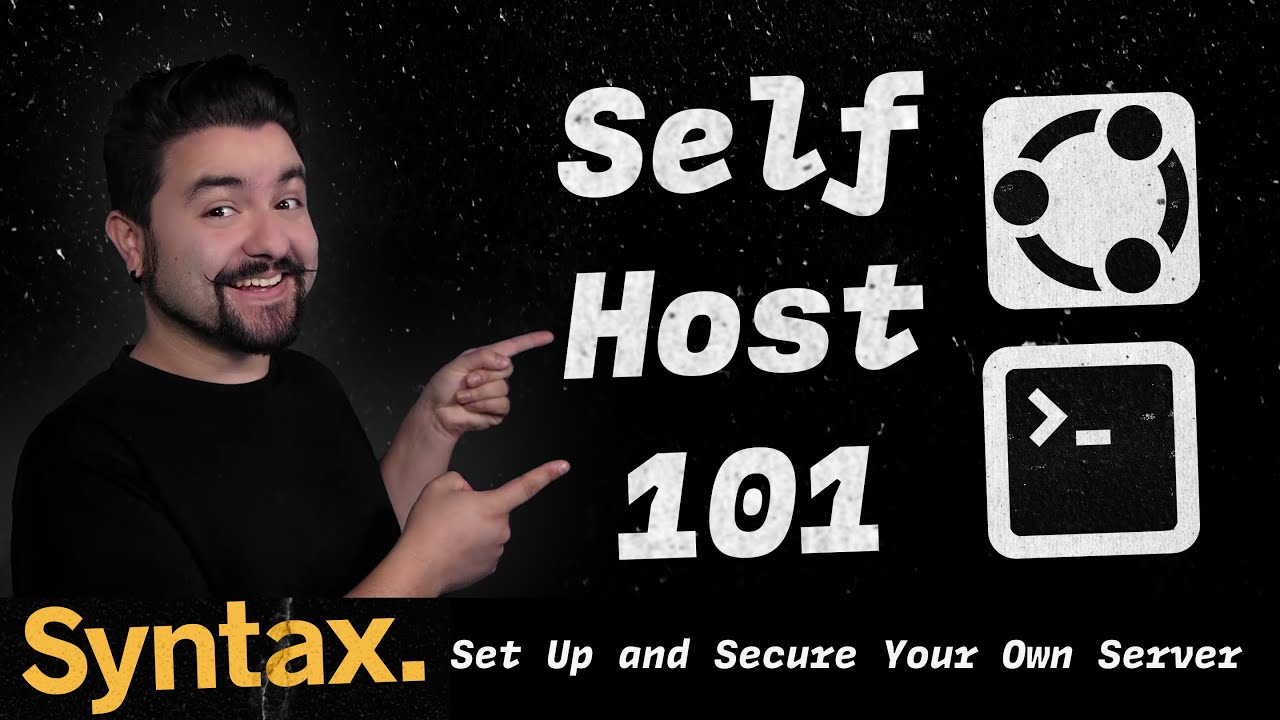
 Official Documentation & Reference Links: