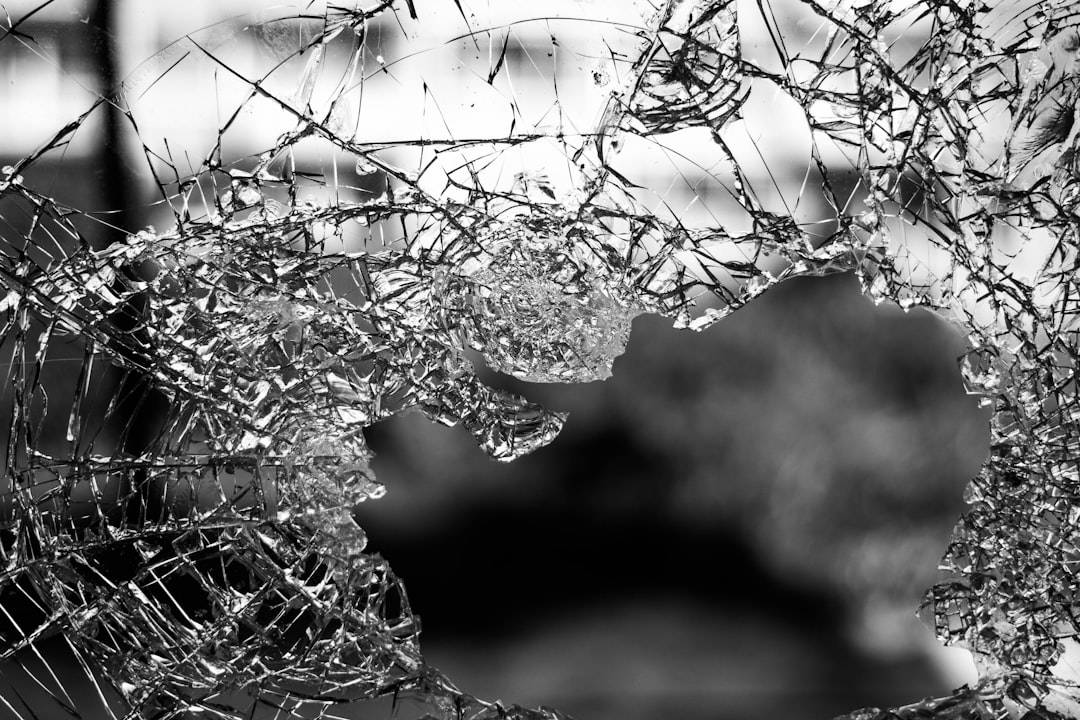
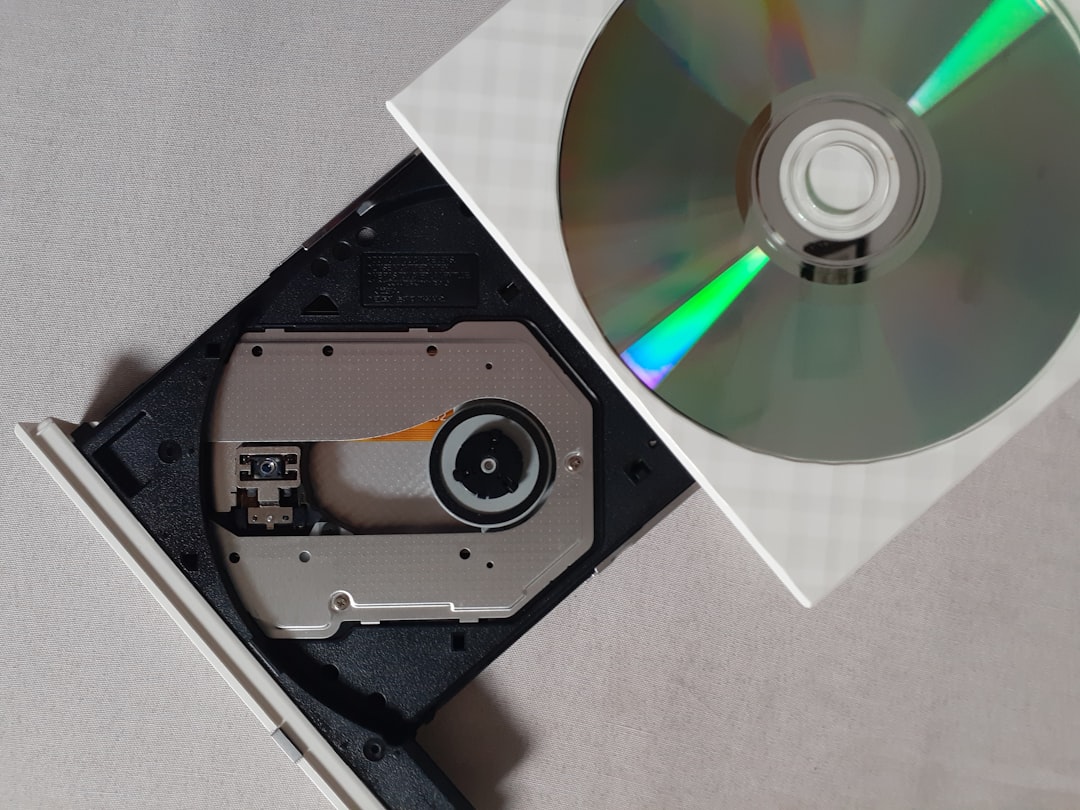
Optical disc shattering is a rare but dramatic failure mode where a CD, DVD, or similar disc breaks apart inside a drive during operation. This typically occurs when a pre-existing crack or structural weakness propagates under the immense centrifugal forces generated at high rotational speeds (e.g., 10,000+ RPM for 52x drives). The result is a loud bang, fragmented plastic and metal debris, and often permanent damage to both the disc and the drive.
Root Causes: Thermal Stress and Mechanical Flaws
The primary cause is thermal shock: a cold disc (e.g., left near a window in winter) rapidly heated by the drive’s internal temperature and friction. The polycarbonate substrate expands unevenly, creating stress concentrations around the center hole or edge. If a microcrack exists—from manufacturing defects, scratches, or age—the stress can cause it to grow catastrophically. Other factors include physical damage (cracks, chips), manufacturing defects (voids, impurities), and excessive drive speeds beyond the disc’s rated limit.
Physics of Failure
Centrifugal force scales with the square of rotational speed. At 52x (≈10,400 RPM), a 12 cm disc experiences radial acceleration over 7,000 g. A crack as small as 1 mm can propagate at over 1,000 m/s, shattering the disc into dozens of fragments. The energy released is sufficient to damage the drive’s spindle motor, laser assembly, and even eject the tray or damage adjacent components. The MythBusters episode confirmed that while a pristine disc is safe, a cracked disc will fail at high RPM.
Prevention and Best Practices
Acclimate discs: Allow cold discs to reach room temperature before use (30 minutes).
Inspect discs: Check for cracks, especially around the center hole. Discard damaged discs.
Use quality drives: Cheap drives may have less robust enclosures and higher vibration.
Avoid over-speeding: Do not overclock drives; use rated speeds.
Consider digital backups: Use ISO images or digital downloads to avoid physical media risks.
Knowledge Hub Summary: Optical disc shattering occurs when a cracked disc fails under centrifugal force at high RPM, often triggered by thermal stress. Prevention includes acclimating discs, inspecting for cracks, and using quality drives.
Official References & Documentation:
Powerlabs CD Shattering Experiment - Detailed experiment demonstrating CD shattering at high speeds, with high-speed video and analysis of failure mechanics.
---
title: Optical Disc Failure Process
---
graph TD
  A["Cold Disc (Thermal Shock)"] --> B["Rapid Heating in Drive"]
  B --> C["Uneven Expansion"]
  C --> D["Stress at Microcracks"]
  D --> E["Crack Propagation"]
  E --> F["Catastrophic Shatter"]
  F --> G["Drive Damage"]
  F --> H["Disc Loss"]
. The disc was an original copy that had been exposed to cold temperatures (it was left near a window during winter) and then placed into the drive, where rapid heating likely caused thermal stress. The drive made a loud cracking sound, and about a third of the disc remained intact. Fortunately, the computer itself wasn’t damaged, but the disc and drive were destroyed. This incident highlights the importance of handling optical media carefully, especially avoiding extreme temperature changes. If you experience a disc failure, check the drive for debris and consider replacing both the disc and drive if damaged.
That’s both amusing and unfortunate. I doubt any warranty would cover a disc exploding due to thermal shock or physical defects. The best course of action is to replace the game disc and the CD-ROM drive if it’s damaged. Did the drive survive? In my experience, a shattered disc often takes the drive with it.
Wow, that must have been terrifying. I hope the computer survived without internal damage. It’s a good reminder to always inspect discs for cracks before use.
Yes, CD burst is a real phenomenon. I’ve experienced it myself, and two friends have as well. In my case, I inserted a disc that seemed fine, but after a few seconds of spinning, the drive made a howling sound followed by a loud bang. When I ejected the tray, only a third of the disc was there. I had to disassemble the drive to remove the shattered pieces. Surprisingly, the disc still worked a year later, albeit slower and less reliably. The key takeaway: always check discs for cracks, especially around the center hole. Thermal stress from cold to hot can cause cracks to propagate rapidly.
I use ISO images to avoid such problems. I once had a cracked disc shatter in my drive, ruining both the disc and the drive. Since then, I’ve preferred digital backups.
This incident brings new meaning to ‘explosive gameplay.’ I’ve never had a disc shatter, but I once had a drive suck a CD behind the tray. Gateway replaced the drive and returned the scratched disc in a baggie—it still worked. For those interested in the physics, here’s an article on CD shattering at high speeds: [Powerlabs CD Shattering Experiment]([legacy link: www.powerlabs.org]). This is why drives are speed-limited (typically 52x max).
The irony of ‘The Frozen Throne’ disc exploding due to cold is not lost. Warranty likely won’t cover this. The real cause is thermal expansion: when a cold disc rapidly heats up in the drive, the plastic layer expands unevenly, causing cracks to grow until the disc fails. Always let discs acclimate to room temperature before use.
How can a CD ‘explode’ without fire? It’s more accurate to say the disc shattered due to centrifugal force. A small crack can propagate at high RPM, causing the disc to break apart. It’s rare but possible, and it can damage the drive.
. At normal drive speeds (up to 52x), a disc won’t shatter unless it has a pre-existing crack. However, rapid temperature changes can weaken the structure. The disc doesn’t have enough momentum to blow off the tray door—that part is likely exaggerated. But a cracked disc can indeed break apart, scattering small pieces inside the drive.
I had a Windows XP disc shatter during installation. The loud pop was followed by a rattling sound. When I ejected, the disc was in pieces. Microsoft required the center ring numbers for a replacement, but the disc was too fragmented. I spent hours trying to reassemble it. The drive was also destroyed. This pushed me to switch to Linux permanently. Here’s a picture of the damage: [image link].
A friend had his Age of Empires II CD shatter in a cheap drive. A piece flew into the CPU fan, breaking it and causing the processor to overheat. The entire computer failed because of a tiny nick in the disc. Always use quality drives and inspect discs.
Modern optical drives incorporate several safety features to mitigate shattering risks. The spindle motor is typically speed-limited to 52x (≈10,400 RPM) for CDs and 16x for DVDs. Drives also include vibration dampening and shock-absorbing mounts. However, these cannot prevent failure if the disc has a pre-existing crack. The drive’s firmware may detect imbalance and reduce speed, but this is not foolproof.
Forensic Analysis of Failed Discs
When a disc shatters, examining the fragments can reveal the failure origin. Look for radial crack lines emanating from the center hole—this indicates a crack initiated at the inner diameter. Concentric cracks suggest delamination or manufacturing defects. The presence of thermal discoloration (yellowing) near the crack tip indicates heat buildup during propagation.
Recommendations for Data Recovery
If a disc shatters, do not attempt to read the fragments. Instead, consider professional data recovery services if the data is critical. For future prevention, always maintain backups on multiple media types (HDD, SSD, cloud).
I’ve seen a few disc shatter incidents over the years, and they’re always startling. One tip I always give: let your discs warm up if they’ve been in a cold car or near a window. Also, give them a quick visual inspection before inserting—look for any hairline cracks around the center hole. If you see one, don’t use it! And if you’re really worried, just rip your discs to ISO files and keep the originals in a safe place. That way, you avoid the risk entirely. Hope this helps someone avoid the mess I had to clean up!
 Official References & Documentation: