Opening Support Ads in New Windows (Target Blank Best Practices)

I wanted to revisit an old topic that still matters for anyone using Xisto’s free hosting to serve ads or affiliate links: opening support ads in a new window so visitors stay on our forums while clicking out.

Back in the day, we used target="_blank" directly in anchor tags, like:

<a href="http://example.com" target="_blank">Link</a>

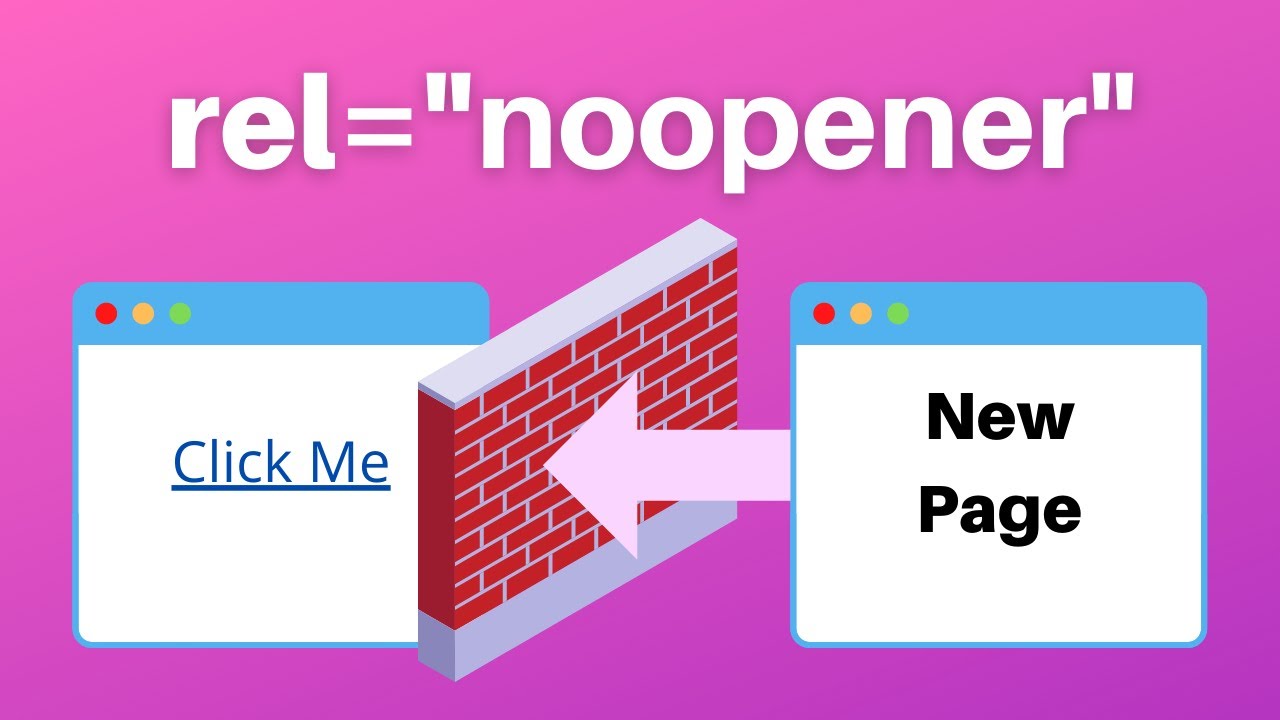
But modern browsers and security standards have changed. Today, simply adding target="_blank" without the rel attribute can expose your site to tabnabbing attacks. The recommended approach is:

<a href="http://example.com" target="_blank" rel="noopener noreferrer">Link</a>

This ensures the new page cannot access your forum’s window via window.opener, and it also prevents referrer leakage.

What About Banner Rotators or Iframes?

If you serve ads through third-party scripts (e.g., Google AdSense or a banner rotator), you usually cannot force their links to open in a new window because the ad code controls the link behavior. However, you can often configure ad settings in your ad provider’s dashboard to add target="_blank" to generated links. Alternatively, you can wrap the ad code in a custom div and use JavaScript to intercept clicks, but that can violate ad policies.

Xisto-Specific Tips

Since Xisto provides free cPanel hosting with 1GB space, you have full control over your site’s HTML. If you’re embedding ads manually (e.g., through a text ad or a custom banner), always use the target="_blank" rel="noopener noreferrer" combination. For forum signatures or posts, Xisto’s forum software (Invision Power Board) may strip certain HTML attributes. In that case, consider using the forum’s built-in link BBCode or ask staff if they can whitelist the attribute.

What About Opening All Links in New Windows?

It’s usually a bad idea to force every link to open in a new window – it breaks user expectations and can hurt usability. Let users decide by middle-clicking or using Ctrl+click. That said, for support ads (non-essential links), opening in a new window is common practice.

Modern Alternatives

  • target="_blank" with rel="noopener noreferrer" – The gold standard.
  • CSS cursor: pointer – Doesn’t affect linking, but makes ads feel clickable.
  • JavaScript with window.open() – Can be used but may be blocked by popup blockers.

Ultimately, test your ads to ensure they work across browsers. If you’re using Xisto’s free hosting, you can experiment with different methods safely.

What have you found works best for your Xisto-hosted ads? Let’s discuss!

Topic Summary: Security, performance, and ad network handling best practices for opening support ads in new windows using target=“_blank” with rel=“noopener noreferrer nofollow”, including JavaScript and iframe considerations.

:movie_camera: YouTube Video:

:books: Official Documentation & Reference Links:

Great points. I’d add that in 2026, even target="_blank" without rel="noopener" is considered a security flaw by most auditing tools. If you’re using Xisto’s cPanel to host a WordPress site, plugins like “Open External Links in a New Window” often add the correct rel attributes automatically.

For those of us who still hand-code HTML, remember that rel="noopener noreferrer" also helps with performance – it prevents the new page from running in the same process on some browsers.

Another trick: if you want to open ads in new windows but avoid popup blockers, make sure the user interaction is genuine (e.g., a click, not an automatic redirect).

And yes, as hasa said, you can’t always control ad network links. For those, just let them behave naturally – users will middle-click if they want.

To add another layer: if you’re embedding ads via iframe (common for banner networks), you cannot set target="_blank" on the iframe itself because the iframe’s content is from a different origin. The ad network would need to provide that attribute in their own HTML.

For self-hosted ads on Xisto, using <base target="_blank"> in the <head> of your page is a quick (but blunt) way to make all links open in new windows. However, that also affects navigation links and might confuse users. I’d only recommend it for landing pages where every link is an ad.

Lastly, always validate your HTML with the W3C validator – Xisto’s free hosting lets you test without worry. Remember that target="_blank" is valid HTML5, but target="_new" or other values are obsolete.

Stay safe and happy hosting!

Security and Performance Are Non-Negotiable

Building on the excellent points raised, it’s critical to remember that rel="noopener noreferrer" isn’t just a recommendation—it’s a baseline security requirement. Even though modern Chrome (since version 88) and Firefox treat target="_blank" as implicitly noopener, relying on that default is risky because it may not apply to all browsers or to links opened via JavaScript. The combination explicitly blocks tabnabbing and also improves performance by preventing the new page’s process from sharing the opener’s memory space.

Handling Third-Party Ad Networks

As hasa and chinfo noted, you often can’t control the HTML inside ad network scripts or iframes. A practical approach is to:

  • Wrap the ad code in a container and use JavaScript to intercept clicks on its links, but only if your ad provider’s terms allow it. Violating policies can get your account suspended.
  • Use the ad network’s built-in settings – many (like Google AdSense) let you choose link behavior in the ad unit configuration. Always check there first before resorting to workarounds.

The base target Caveat

Using <base target="_blank"> is a quick solution for all-page links, but as chinfo warned, it breaks navigation and can confuse users. A better pattern is to apply it only to a specific <div id="ads"> by using CSS target or conditional JavaScript. However, this still won’t affect links inside iframes.

Modern Alternatives and Considerations

  • rel="nofollow" – While not directly related to new windows, adding rel="nofollow" to ad links is standard practice to avoid passing SEO juice. Combine it with noopener noreferrer for a solid attribution: rel="noopener noreferrer nofollow".
  • JavaScript window.open() – Useful but triggers popup blockers if not initiated by a genuine user click (e.g., onclick vs. addEventListener('click', ...)). Prefer the HTML approach.
  • Accessibility – Always inform users that a link opens a new window. A common method is adding an aria-label like “Opens in new tab” or using a small icon, but that’s beyond the core markup.

Summary of Best Practices

  • Self-hosted HTML ads: href="..." target="_blank" rel="noopener noreferrer nofollow"
  • Third-party ad scripts: Use network settings; if JavaScript fallback, ensure user gesture is respected.
  • Iframe ads: No control; let them behave naturally.
  • Avoid overriding user choice – don’t force all links to new windows. Only ads and external support links.

Final Thought

The landscape of browser security evolves constantly. Even as defaults improve, explicitly declaring noopener noreferrer remains a defensive best practice. For those of us using free hosting like Xisto, it costs nothing to add a few attributes and ensures our visitors stay safe while supporting the site.