I first started playing with Linux back in college. I had a few USB drives and installed openSUSE on one. I really enjoyed the experience, though it wasn’t as straightforward as Windows. I just didn’t have the time to dive deep into the kernel and system configuration.
What I loved most were the multiple desktops in KDE. They felt so much more productive than the single desktop in Windows. Vista’s look was okay, but it always felt a bit like a copycat of Linux desktops. The icons were more detailed, I guess, but now Windows 10 and 11 have caught up.
I dual-booted my laptop with Linux and XP, and it booted through Linux by default. That was fine, but I should have turned off the timeout – if I wasn’t paying attention, it would boot into Linux and I’d have to restart. Annoying.
I’d love to give it another try with modern distros. Maybe when I build my new PC, I’ll partition a section for openSUSE Tumbleweed or Fedora. Has anyone else had a similar journey?
Linux is a family of free and open-source software Unix-like operating systems based on the Linux kernel, which was first released on 17 September 1991 by Linus Torvalds. Some members of the family are typically packaged as a distribution, which includes the kernel alongside supporting system software and libraries developed by third parties—such as GNU, Red Hat, and X.Org—to create a complete operating system; however, not all Linux-based operating systems are considered distros, with Android being an example. Linux was originally designed as a clone of Unix and is distributed under the copyleft GPL license. — Read more on Wikipedia
Great to hear your story! I’d recommend you try Fedora or openSUSE Tumbleweed this time. They’ve come a long way since the 10.x days. Modern package managers like DNF and Zypper make software installation a breeze. Plus, with Flatpak and Snap, you can run the latest apps without dependency hell.
For a dual-boot setup, I suggest using GRUB with a 5-second timeout. You can set the default boot entry to Windows if you’re switching often. Also, make sure to backup your data before partitioning – always good practice.
One tip: if you’re using NVIDIA, check the proprietary drivers. Wayland is getting better, but X11 is still more compatible for gaming.
Linux is great, but let’s not sugarcoat everything. Training costs are real if you need to upskill a team. And while package managers are better now, some proprietary apps still require manual setup or containers. The choice is overwhelming – too many distros can confuse newcomers.
That said, for servers and development, Linux is unmatched. I use Fedora for my daily driver and keep a Windows VM for Adobe stuff. The key is to pick the right tool for the job. You don’t have to go full Linux – hybrid setups work fine.
And yeah, hardware support has improved immensely. My laptop with AMD Ryzen works out of the box. Still, check compatibility before buying.
Give Tumbleweed a shot – rolling release means you always get the latest. Just be prepared for occasional breakage, but that’s part of the fun!

 Topic Overview (Wikipedia):
 Video Tutorial: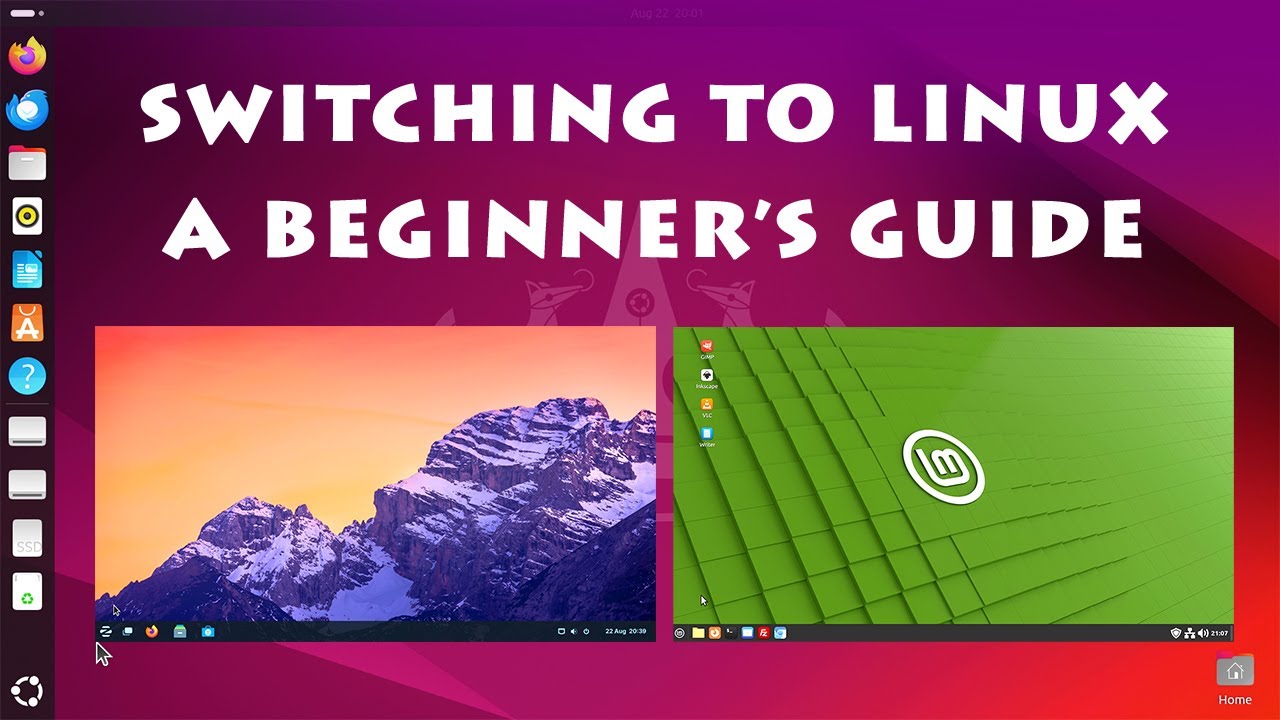
 Official Documentation & Reference Links: