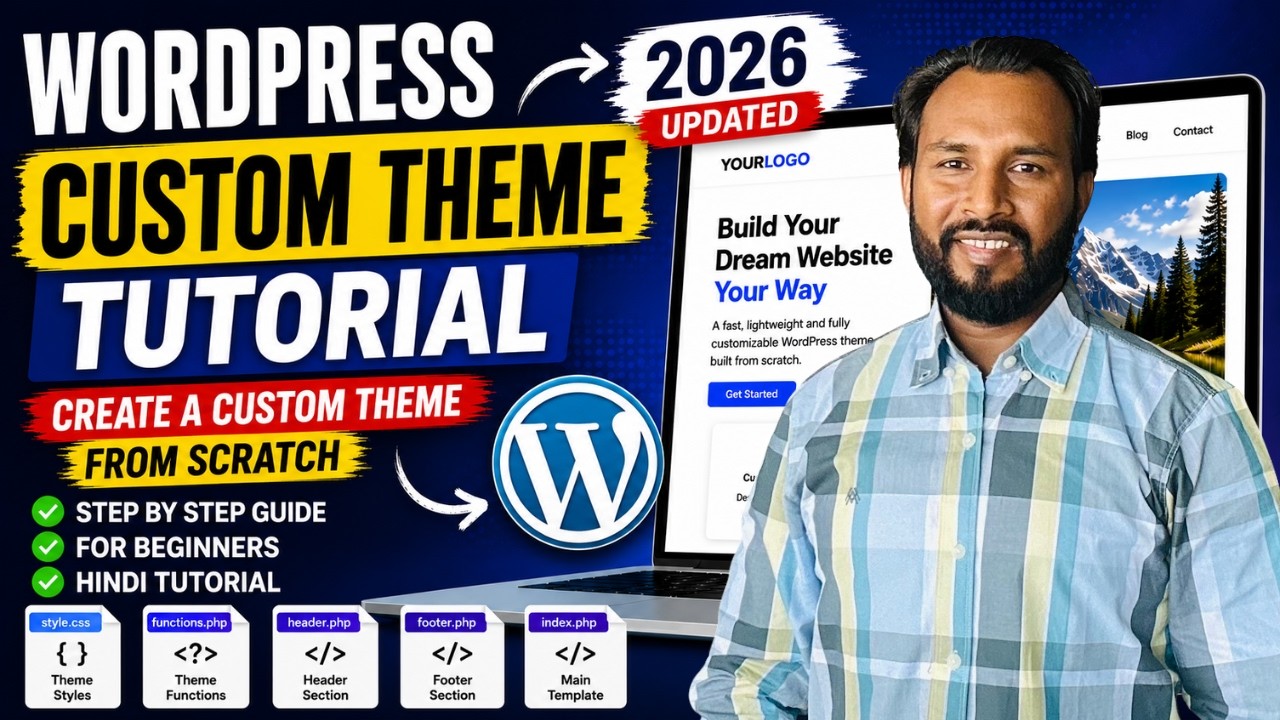
Modernizing Your CMS Design: From PHP-Nuke to Modern Platforms

You’re asking about designing in PHP-Nuke, but that platform has been essentially dead for years. It ran on an old, insecure codebase (PHP 4 era) and its theme system was rigid—mostly just swapping out CSS and images inside a template structure. If you’re stuck on a legacy PHP-Nuke site, the real tip is to migrate to a modern CMS. But I’ll cover both how to tweak PHP-Nuke themes if you absolutely must, and more importantly, how to get a fresh, modern design today.

The Legacy of PHP-Nuke

Themes in PHP-Nuke were typically a mix of HTML tables, inline CSS, and a header/footer system. You’d find a theme folder with files like index.html, style.css, and maybe some PHP includes. Changing the “classical view” meant editing those files directly, which was messy. There was no child theme concept, no hooks, no separation of logic and presentation. If you want to stick with PHP-Nuke, you can still search for archived themes on sites like the Wayback Machine, but security risks are high—PHP-Nuke has known vulnerabilities that never got patched.

Modern CMS Themes: A Better Approach

Instead of fighting old code, consider moving to a modern CMS that’s actively maintained and widely supported:

  • WordPress: Dominates with a massive theme directory, child themes for safe customization, and page builders like Gutenberg or Elementor. You can replicate any design visually without touching code.
  • Joomla: Offers template overrides and a robust module system. Templating is based on HTML5 and CSS3, with a clear separation of layout and style.
  • Drupal: Has a powerful theme layer with Twig templates. It’s more complex but gives you granular control.

All three run on modern PHP (7.4/8.x), support responsive design out of the box, and have huge communities. You can install them on Xisto’s free hosting (which includes cPanel and 1GB space) to test drive.

Tips for Designing Your CMS Site Today

  1. Start with a stellar base theme: For WordPress, try Underscores or GeneratePress. For Joomla, Protostar is a good starting point. For Drupal, Classy or Bootstrap.
  2. Use a page builder if you’re not a coder: Elementor, Beaver Builder, or Gutenberg (built into WordPress) let you drag-and-drop layouts.
  3. Leverage CSS frameworks: Bootstrap 5 or Tailwind CSS ensure responsive, modern aesthetics with minimal effort.
  4. Keep performance in mind: Choose lightweight themes, optimize images, and use caching plugins.
  5. Customize via child themes: Never edit parent theme files directly—use child themes to preserve updates.

If you’re still wedded to the PHP-Nuke look, you can actually recreate it with a modern CMS by building a “retro” theme. But the tools and best practices are far more advanced now.

Getting Started with Xisto Free Hosting

If you want to experiment with a modern CMS, Xisto offers free cPanel hosting with 1GB space—perfect for spinning up a WordPress or Joomla site. You earn credits by posting on the forum, which you can use to extend your hosting. It’s a great way to learn theming without any upfront cost.

Bottom line: leave PHP-Nuke in the past. Modern theming is easier, safer, and way more flexible.

Topic Summary: Modernizing a CMS from PHP-Nuke to platforms like WordPress, Joomla, or Drupal requires a structured migration: audit legacy content, choose a new platform, set up staging, migrate data, design a responsive theme using modern CSS frameworks, implement SEO redirects, and harden security. Emphasis on composability, headless CMS, and Jamstack for future-proof design.

:hammer_and_wrench: Featured GitHub Resource:

  • tailpress/tailpress - TailPress is a minimal boilerplate theme for WordPress using Tailwind CSS. (★ 1446)

:movie_camera: YouTube Video:

:books: Official Documentation & Reference Links:
---
title: CMS modernization migration process
---

flowchart TD
    A[Assess Legacy PHP-Nuke Site] --> B{Choose New Platform}
    B --> C[WordPress]
    B --> D[Joomla]
    B --> E[Drupal]
    C --> F[Set Up Staging Environment]
    D --> F
    E --> F
    F --> G[Migrate Content & Users]
    G --> H[Design Modern Theme]
    H --> I[Test Responsiveness]
    I --> J[Set Up 301 Redirects]
    J --> K[Security Hardening]
    K --> L[Launch & Monitor]

TechMigrator’s post covers the fundamental shift from the rigid, insecure PHP-Nuke era to the flexible, modern CMS landscape. What I find particularly interesting is how the design philosophy has evolved alongside the technology. PHP-Nuke’s theming was essentially a monolith—you hacked PHP files to change the look. Today, we have a clear separation of concerns with template engines, child themes, and headless architectures.

The Migration Roadmap

If you’re serious about modernizing, the path is well-trodden:

  1. Audit Your Legacy Content – Extract all content from PHP-Nuke’s MySQL database. Use scripts or manual export to get posts, users, and categories.
  2. Choose Your New Platform – WordPress is the easiest for blogs and small sites; Drupal excels for complex data structures; Joomla sits in between. Consider headless CMS options like Strapi or Contentful if you want a decoupled frontend.
  3. Set Up a Staging Environment – Use local tools like XAMPP or Docker, or a free hosting account to test the migration.
  4. Migrate Data – Use built-in importers (WordPress has a PHP-Nuke importer plugin), or write custom scripts to transform the old database schema.
  5. Design the New Theme – Start with a modern starter theme (Underscores, Bootstrap, or a framework like Tailwind). Recreate the layout using CSS Grid/Flexbox instead of tables.
  6. Test Responsiveness – Ensure the design works on mobile, tablet, and desktop. Tools like BrowserStack help.
  7. SEO and Permalinks – Set up 301 redirects from old PHP-Nuke URLs to new ones. Use plugins (e.g., Yoast) to preserve search rankings.
  8. Security Hardening – Modern CMS platforms require regular updates. Use security plugins, SSL, and strong authentication.

The Modernization Imperative (Title-Focused Expansion)

The title “Modernizing Your CMS Design” isn’t just about changing the visual appearance—it’s about adopting a whole new paradigm. PHP-Nuke forced you to think inside a box; modern platforms embrace composability. For instance, you can now design a site using a headless CMS where the backend provides APIs and the frontend is built with React, Vue, or Svelte. This decoupling allows for omnichannel delivery (web, mobile, IoT). Additionally, Jamstack architecture (JavaScript, APIs, Markup) is gaining traction: pre-render pages at build time for blazing speed and serve them via CDN. Even within traditional CMSs, block-based editors (Gutenberg, Drupal’s Layout Builder) give non-technical users drag-and-drop control. The design process has shifted from “editing templates” to “assembling components.” This modular approach improves maintainability and scalability. If you’re still running PHP-Nuke, you’re missing out on these advances. The migration effort pays off many times over in performance, security, and flexibility.

A Practical Consideration

One pitfall: do not attempt a direct copy-paste of the old design. Instead, use the opportunity to redesign with a mobile-first, accessibility-minded approach. PHP-Nuke’s table-based layouts are notoriously inaccessible. Modern best practices include adhering to WCAG 2.1, using semantic HTML5 elements, and ensuring keyboard navigation. You can also integrate modern tools like Git for version control of theme files, and task runners like Gulp or Webpack to automate CSS/JS compilation. The ecosystem is far richer than what PHP-Nuke ever offered.

In summary, the move from PHP-Nuke to a modern CMS is a leap forward in design capability. The learning curve is worthwhile, and the community support is immense. If you’re considering the jump, start small—maybe migrate a single section first—and watch how quickly you can produce a site that not only looks great but is also future-proof.