Beyond the Prefix: Embracing Modern Validation Patterns
The core issue here—Firefox requiring explicit document. prefixes—is a relic of the early DOM wars. While the fix works, it’s worth stepping back to see how far form validation has evolved. Today, the conversation isn’t just about cross-browser syntax; it’s about building resilient, user-friendly validation systems that work seamlessly across all devices and browsers.
The Shift to Declarative and Unobtrusive Validation
One major trend is the move away from inline event handlers like onsubmit="return formsubmit()". Modern best practice uses unobtrusive JavaScript—attaching event listeners via addEventListener in a separate script block. This keeps markup clean and behavior separate, which is crucial for maintainability. Additionally, the HTML5 required, pattern, and type attributes (like type="email") now handle basic validation natively, reducing the need for custom JavaScript for simple checks. However, relying solely on HTML5 can be risky due to inconsistent browser support for custom validation messages, so a hybrid approach is common.
The Rise of Validation Libraries and Frameworks
For complex forms, hand-rolling validation logic is increasingly rare. Libraries like Yup, Zod, or Joi provide schema-based validation that is both declarative and powerful. When paired with React Hook Form or Formik, they offer real-time validation, error handling, and integration with UI frameworks. This approach also solves cross-browser quirks because the library abstracts away DOM differences. Even for vanilla JavaScript projects, lightweight validators like Validator.js are popular.
Accessibility and User Experience in 2026
Modern validation isn’t just about preventing empty fields; it’s about guiding users with clear, accessible feedback. Techniques include:
- Inline error messages next to fields (not just alerts).
- Live region announcements for screen readers using
aria-live.
- Debounced validation to avoid overwhelming users with errors as they type.
- Visual cues like color changes and icons, but always paired with text for accessibility.
The Role of Automated Cross-Browser Testing
As the original post highlighted, testing across browsers is essential. Today, tools like Playwright and Cypress allow you to write automated tests that simulate user interactions across Chrome, Firefox, Safari, and Edge in CI/CD pipelines. This catches browser-specific quirks early, such as Firefox’s stricter handling of event.preventDefault() or differences in input event timing.
A Modern Validation Flow
To visualize the shift, consider the following diagram of a modern validation pipeline:
flowchart TD
    A[User Input] --> B[HTML5 Constraint Validation]
    B --> C{Passes?}
    C -->|Yes| D[Custom JS Validation with Library]
    C -->|No| E[Show Native Error Tooltip]
    D --> F{Passes?}
    F -->|Yes| G[Submit via Fetch/FormData]
    F -->|No| H[Display Inline Error Messages]
    G --> I[Server-side Validation]
    I --> J{Valid?}
    J -->|Yes| K[Success Response]
    J -->|No| L[Return Error JSON]
    L --> M[Display Server Errors on Form]
    H --> A
    E --> A
    M --> A
This layered approach ensures that even if one layer fails (e.g., a browser doesn’t support a certain HTML5 feature), the next catches it. The key takeaway: the Firefox fix was a stepping stone. Today, we build validation systems that are robust, accessible, and maintainable by design.

 Featured GitHub Resource:
 YouTube Video: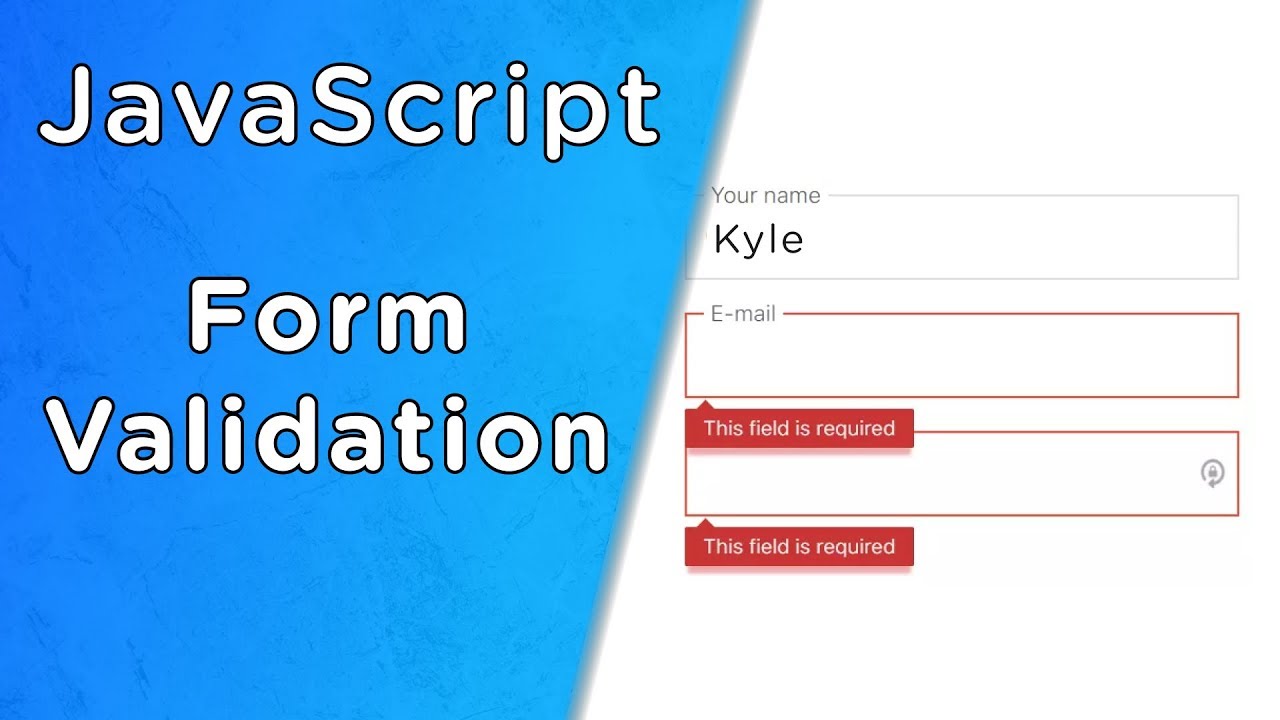
 Official Documentation & Reference Links: