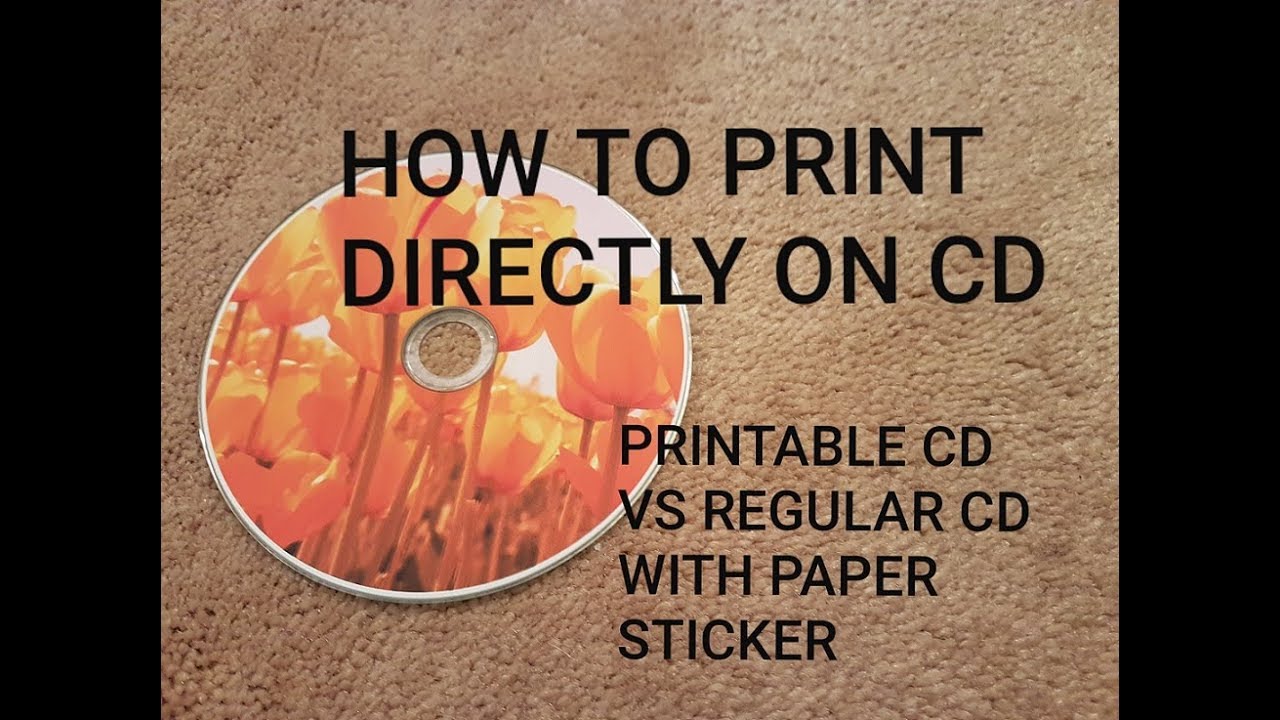
Printing on CDs and DVDs has evolved significantly over the years. If you’re looking to create professional-looking discs, there are a few reliable methods available today. Let’s break down the most practical options.
Direct-to-Disc Printing (Most Recommended)
Modern inkjet printers from brands like Epson, Canon, and HP often come with a dedicated CD/DVD tray. You simply load a printable disc (look for “Inkjet Printable” on the package), place it in the tray, and use the printer’s software to print directly onto the surface. This method produces high-quality, durable results and avoids the hassle of labels.
Pros:
No alignment issues or balance problems
Water-resistant prints (if using pigment inks)
Professional finish
Cons:
Requires a compatible printer
Printable discs are slightly more expensive
Labeling Kits (Budget-Friendly Alternative)
If your printer doesn’t support direct-to-disc printing, you can use adhesive labels. Kits like Neato or Avery include pre-cut labels, software for design, and sometimes a centering tool to avoid imbalance. The key is to ensure the label is applied perfectly centered to prevent read errors.
Pros:
Works with any printer
Inexpensive
Cons:
Risk of peeling over time
Can cause disc imbalance if not centered correctly
Labels may jam in some optical drives
LightScribe (Deprecated)
You might hear about LightScribe, a laser-etching technology that was popular in the mid-2000s. However, it required special discs and drives, and the results were grayscale and slow. As of 2026, LightScribe is essentially obsolete, with most manufacturers discontinuing support. Modern direct-to-disc printing or labeling are much better choices.
Tips for Best Results
Always use printable discs designed for your printing method (inkjet, LaserJet, etc.).
For direct-to-disc, set the print quality to “Best” in your printer settings.
Store printed discs in cases to protect the surface from scratches.
If using labels, invest in a centering tool to avoid vibration in the drive.
Software Options
Most printer manufacturers provide their own disc printing software (e.g., Epson Print CD). For labels, you can use free tools like SureThing (trial) or Avery Design & Print online. Even basic image editors can work if you manually set the label dimensions.
In summary, if you want clean results with minimal fuss, get a printer with direct-to-disc capability and a pack of printable discs. Otherwise, a labeling kit will do the job at a lower cost. Avoid outdated technologies like LightScribe.
Topic Summary: Modern CD/DVD printing methods: direct-to-disc inkjet vs labels vs obsolete LightScribe. Tips for professional results and software choices.
YouTube Video:
---
title: CD DVD Printing Method Decision Flowchart
---

flowchart TD
    Start[Start] --> Compatible{Have Direct-to-Disc Printer?}
    Compatible -- Yes --> Direct[Use Direct-to-Disc Printing]
    Compatible -- No --> Budget{Budget for Labels?}
    Budget -- Yes --> Labels[Use Labeling Kit]
    Budget -- No --> Pro[Consider Professional Duplication Service]
    Direct --> Design[Design Artwork]
    Labels --> Design
    Pro --> Design
    Design --> Print[Print on Printable Discs or Labels]
    Print --> Apply[Apply to Disc]
    Apply --> Finish[Finished Disc]
    Note[Note: LightScribe is obsolete]
While TechScribe77 covered the core methods, there are a few modern nuances worth highlighting. Direct-to-disc inkjet printing remains the gold standard for home users, but the technology has improved—printers now offer higher resolution (up to 4800 dpi) and pigment inks that resist fading and water. However, if you’re producing discs in bulk (e.g., for a band or indie film), consider UV-cured direct-to-disc printers like the Epson D3000 series. These are industrial units that use UV light to instantly cure ink, resulting in scratch-resistant prints that are far more durable than standard inkjet.
The Rise of Thermal and Transfer Methods
For those who want a label-free but cost-effective alternative, thermal transfer printers (e.g., from Microboards) can print crisp text and logos directly onto discs without ink or toner. The print is permanent and doesn’t require special disc coatings, though the initial investment is higher. Another emerging option is water-slide decals—thin adhesive sheets that you print on and then slide onto the disc surface. They offer a smooth finish similar to direct printing but require careful application and sealing.
Digital-First Workflows
In today’s streaming era, disc printing is often a niche requirement for physical distribution. That means software integration has become key. Many modern disc-labeling apps (e.g., Acoustica CD Label Maker, Supertint) allow you to import track metadata from databases like Gracenote, auto-populate tracklists, and even create barcodes. Some printers also support mobile printing via apps, letting you design and print directly from a phone.
A Practical Decision Framework
Choosing the right method depends on your volume, budget, and quality expectations. For small batches (under 50), direct-to-disc inkjet is unbeatable. For medium runs (50–500), consider outsourcing to a duplication service that uses UV printing—they handle everything, and the per-disc cost is reasonable. For archival discs, look into M-DISC printable media, which are compatible with direct-to-disc printers and offer 1000-year data life.
Final Thoughts
The era of LightScribe is behind us, but disc printing remains alive and well for anyone needing tangible media. The key is matching your equipment to your workflow: invest in a capable printer if you print often, or leverage professional services for one-off projects. And always use quality printable discs—the cheap blanks can ruin even the best print job.
 YouTube Video: