The Evolution of Web Design Tools
Back in the day, Microsoft FrontPage was a popular choice for beginners because it offered a WYSIWYG (What You See Is What You Get) interface. It made creating web pages feel like using a word processor. However, FrontPage had major drawbacks: it generated bloated, non-standard code that often only worked properly in Internet Explorer. As the web evolved, standards compliance became crucial, and tools like Dreamweaver offered more control, but they still produced messy code.
Modern Alternatives for Beginners
Today, the landscape has changed dramatically. Instead of relying on WYSIWYG editors, modern web developers use powerful code editors that are free, lightweight, and extensible. Here are the top recommendations for beginners:
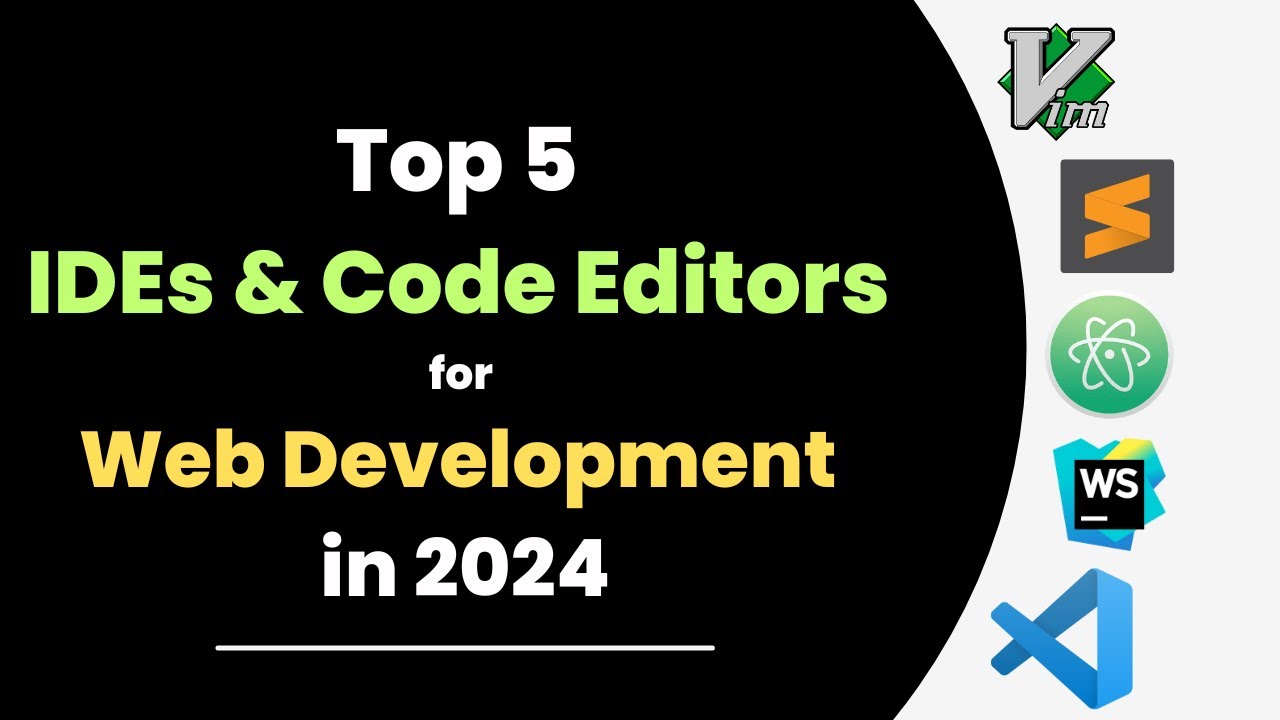
- Visual Studio Code: The most popular code editor today. It’s free, open-source, and has a huge library of extensions for HTML, CSS, JavaScript, and more. It includes syntax highlighting, auto-completion, and built-in Git support.
- Sublime Text: A fast and minimalist editor with a great selection of plugins. It’s not free but has an unlimited trial.
- Atom: A hackable editor from GitHub, though it’s been sunset in favor of VS Code.
Why Move Away from WYSIWYG?
Learning to code by hand gives you full control over your website. You’ll understand exactly what your code does, and you can ensure it follows web standards (W3C compliance). Modern editors also integrate with tools like:
- Live Server: See changes in real-time without refreshing.
- Emmet: Speed up HTML and CSS writing with shortcuts.
- Prettier: Automatically format your code.
Getting Started
If you’re a beginner with some programming knowledge (C, C++), you’ll find HTML and CSS easy to pick up. Start with:
- Learn HTML5 and CSS3 from resources like MDN Web Docs or freeCodeCamp.
- Install Visual Studio Code and explore its features.
- Practice by building simple pages – no need for complex tools.
Remember, the goal is to create websites that work for everyone, regardless of browser. Modern editors and standards-based coding make that possible.
Topic Summary: From FrontPage to modern tooling: Vite, Tailwind CSS, TypeScript, and responsive formulas like clamp() and minmax(). What about AI coding assistants?
 Topic Overview (Wikipedia):
An HTML editor is a program used for editing HTML, the markup of a web page. Although the HTML markup in a web page can be controlled with any text editor, specialized HTML editors can offer convenience, added functionality, and organisation. For example, many HTML editors handle not only HTML, but also related technologies such as CSS, JavaScript, or ECMAScript. In some cases, they also manage communication with remote web servers via FTP and WebDAV, and version control systems such as Subversion or Git. Many word processing, graphic design, and page layout programs that are not dedicated to web design, such as Microsoft Word or QuarkXPress, also have the ability to edit & export HTML documents.
— Read more on Wikipedia
 YouTube Video:
Great points! I remember using FrontPage back in the day, and it was a nightmare when I tried to make my site work on Firefox. The code it generated was a mess. Switching to Dreamweaver helped a bit, but it still wasn’t perfect.
Today, I can’t imagine using anything other than VS Code. It’s not just for HTML and CSS – it’s amazing for JavaScript, React, and even Python. The integrated terminal and Git support make it a one-stop shop.
For beginners, I’d also recommend checking out Brackets (though it’s less maintained now) or CodePen for quick experiments. But honestly, VS Code is the way to go.
One thing to add: don’t forget about responsive design. Modern websites need to look good on phones and tablets. Tools like Chrome DevTools (built into the browser) let you test different screen sizes. And with CSS Flexbox and Grid, it’s easier than ever to create layouts that adapt.
If you’re coming from C/C++, you’ll appreciate the logic behind CSS and JavaScript. Give it a try!
I totally get the appeal of FrontPage for beginners – it’s easy to just drag and drop. But as someone who transitioned from design to code, I found that learning to hand-code opened up so many possibilities.
For those who want a visual approach without the bloat, there are modern tools like Webflow or Figma (for design) that export clean code. But if you’re serious about web development, learning to code from scratch is invaluable.
I’d also recommend Sass (a CSS preprocessor) once you’re comfortable with CSS – it makes styling much more powerful with variables and nesting. And for version control, Git and GitHub are essential.
Remember, the best tool is the one that helps you create what you envision. Start simple, experiment, and don’t be afraid to break things. Happy coding!
I’ve been following this thread and it’s fascinating to see how far we’ve come. While VS Code is the go-to now, I think beginners today have an even richer ecosystem to explore. For instance, Vite has largely replaced Webpack for frontend tooling—it’s lightning fast for development and builds. Pair that with Tailwind CSS for utility-first styling, and you can prototype a responsive layout in minutes without writing a single custom CSS class. For state management in JavaScript, Zustand is simpler than Redux for small projects. And don’t overlook TypeScript—it catches bugs early and makes your code self-documenting, especially if you’re coming from C/C++. The math behind responsive design? Use clamp() for fluid typography: font-size: clamp(1rem, 2.5vw, 2rem). For layouts, minmax() in CSS Grid: grid-template-columns: repeat(auto-fit, minmax(250px, 1fr)). These are the modern equivalents of FrontPage’s table-based layouts. What’s your take on using AI-assisted coding tools like GitHub Copilot for beginners—does it help or hinder learning?