Setting Up phpMyAdmin Locally
I’ve installed PHP and MySQL on my computer and want to install phpMyAdmin. I have Apache running. I tried to find how to configure it, and the instructions say to create the file config.inc.php in the main (top-level) directory. I don’t know how to create that file. Can someone tell me how to configure that config file? Also, how can I run PHP in safe mode?
I have installed phpMyAdmin somehow now and it seems to work fine, but there’s a little problem: when I type localhost/phpmyadmin/ it opens the page where the directory files are listed, like “Index of /phpmyadmin” with Name, Last modified, Size, Description. But when I type localhost/phpmyadmin/index.php, then it opens the welcome page of phpMyAdmin. My point is that since the index.php file is present in phpMyAdmin, why doesn’t it open the welcome page by typing localhost/phpmyadmin/? Has anyone any idea?
Modern 2026 Trends & Best Practices
In 2026, the recommended approach for local PHP development is to use integrated environments like XAMPP, WampServer, or Laravel Valet (for macOS). These tools bundle Apache, PHP, MySQL, and phpMyAdmin with minimal configuration. For Windows, WampServer is still popular, but XAMPP offers cross-platform support and includes phpMyAdmin out of the box.
To fix the directory listing issue, you need to ensure Apache’s DirectoryIndex directive includes index.php. In your Apache configuration (httpd.conf or a virtual host file), add:
DirectoryIndex index.php index.html
Then restart Apache. This tells Apache to serve index.php as the default file when a directory is requested.
Regarding safe mode: PHP’s safe mode was removed in PHP 5.4 and is no longer available in modern PHP versions (7.x, 8.x). Instead, use proper security practices like disabling dangerous functions via disable_functions in php.ini, using open_basedir restrictions, and running PHP as a non-privileged user. For local development, safe mode is unnecessary.
If you’re still using an old PHP version, upgrade to PHP 8.x for better performance and security. Modern PHP 8.x offers JIT compilation, named arguments, attributes, and union types.
For a hassle-free setup, download XAMPP from Apache Friends, which includes phpMyAdmin pre-configured. After installation, you can access phpMyAdmin at http://localhost/phpmyadmin/ without any extra configuration.
 Featured GitHub Resource:
 Topic Overview (Wikipedia):
 YouTube Video: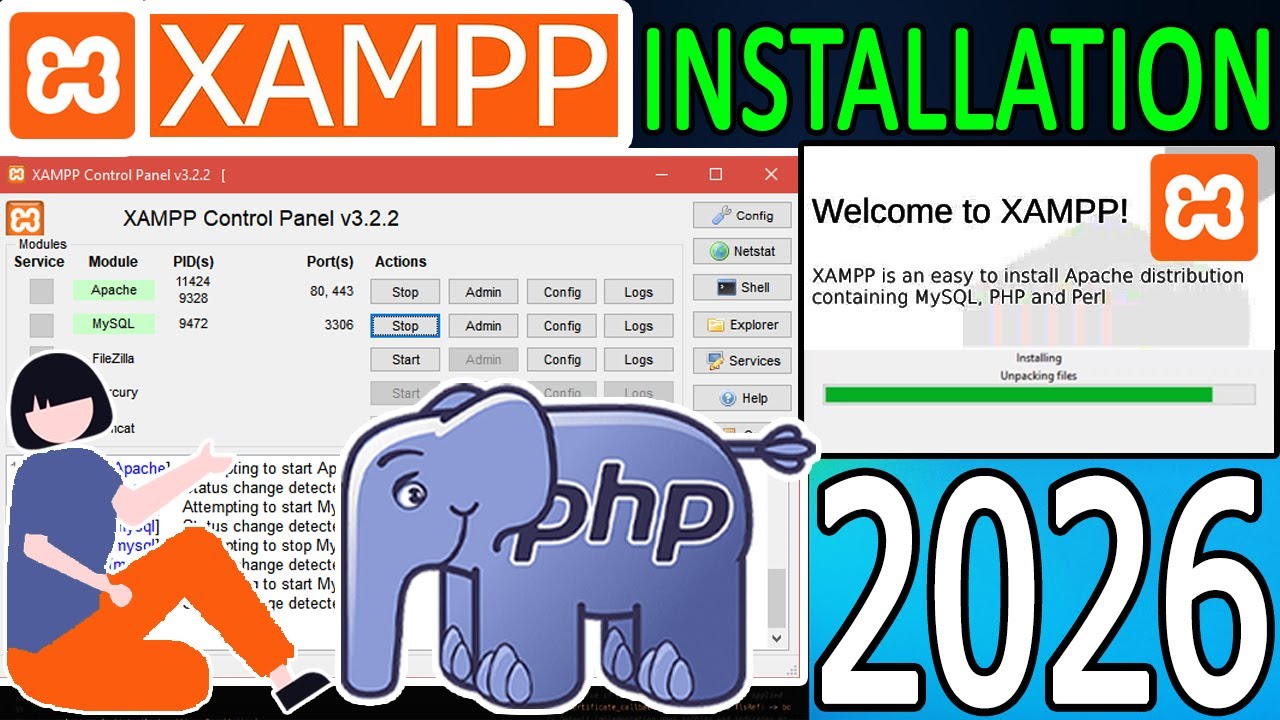
 Official Documentation & Reference Links: